Parano.ai for Slack
Parano.ai tracks your competitors' websites, product pages, changelogs and LinkedIn, and tells you what changed. With the Slack app, your team gets competitor alerts and digests in a channel, and each person can get their own watches as direct messages.
Get started free14-day free trial, then connect Slack in two clicks.
What you get in Slack
- Real-time alerts in the channel you choose: product launches, pricing changes, partnerships and other high-signal updates, as they happen.
- Daily and weekly digests: a short roundup of what your competitors shipped, said and sold.
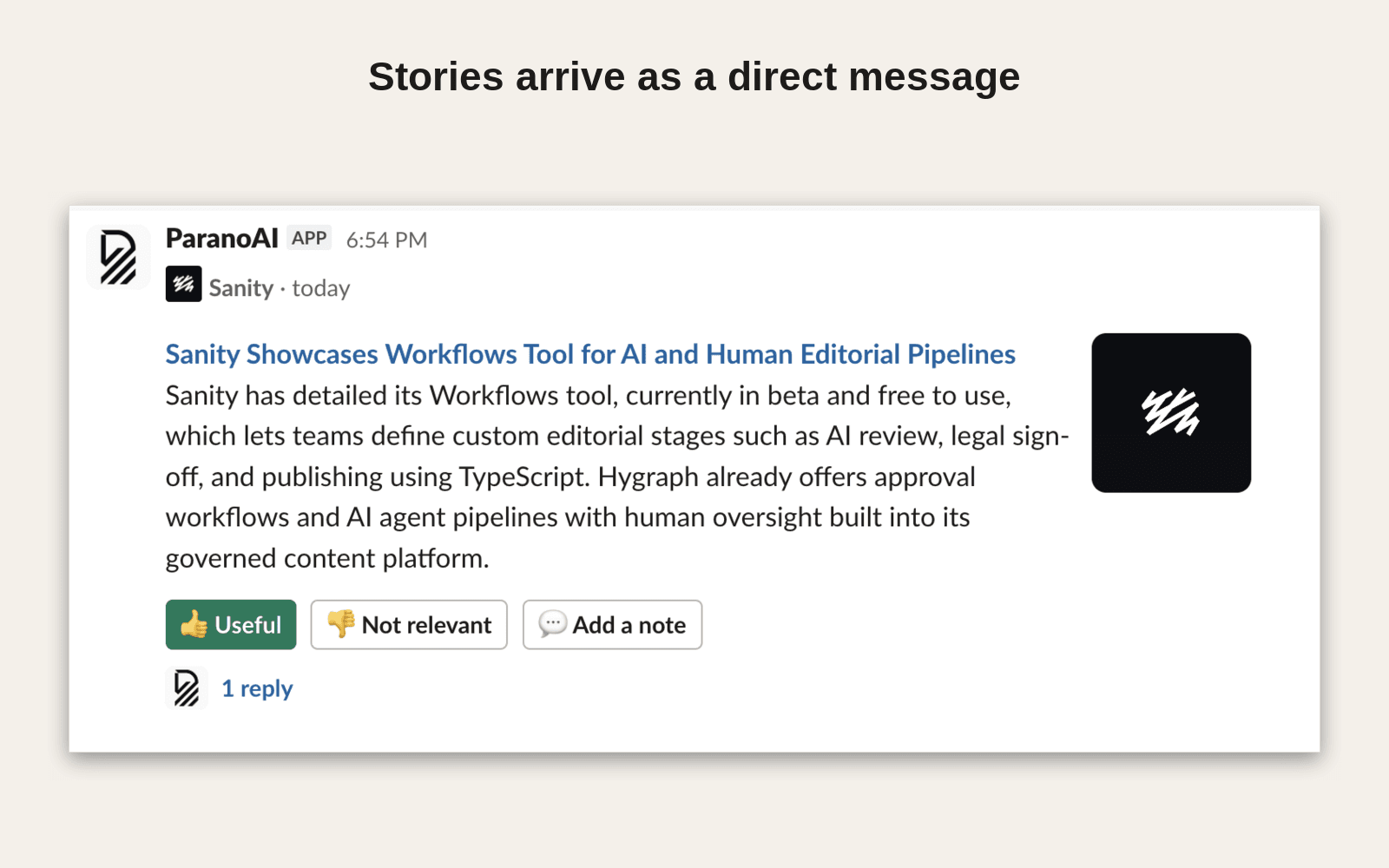
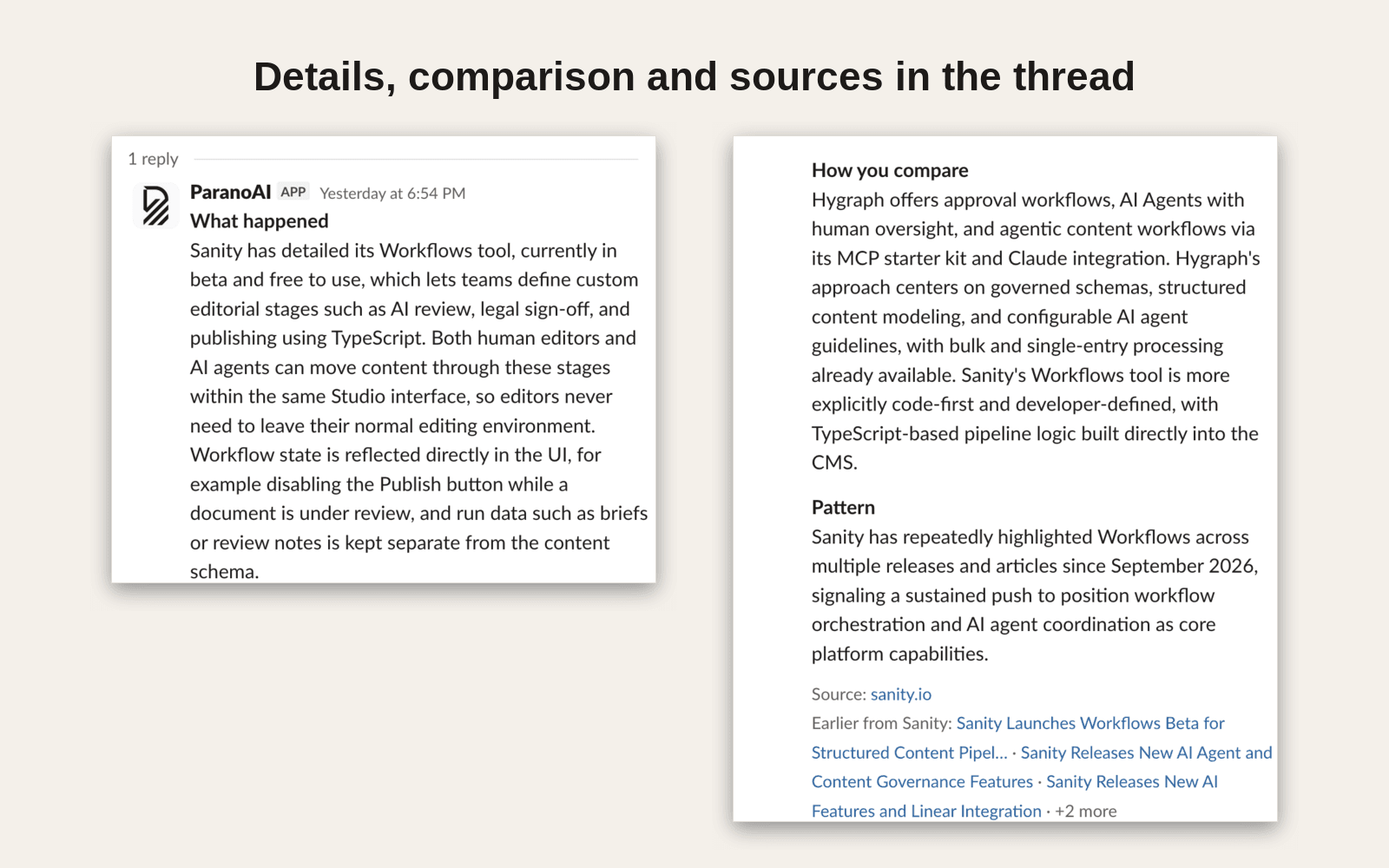
- Watches in direct messages: describe in one sentence what you care about, for example “tell me when a competitor changes pricing and how we compare”. When something matches, the Parano.ai bot sends you the story, how you compare and the sources. Mark it Useful or Not relevant, add a note, or reply to the bot in your own words to change what it looks for.
How to install
- Create a Parano.ai account and pick the competitors you want to follow.
- In Parano.ai, open Settings › Workspace › Integrations and press Connect Slack. Slack asks you to allow the app; a workspace admin may need to approve it.
- Pick the channel for alerts and digests. Send a test message checks that it works.
For watches in direct messages, each person then:
- Opens Watches in Parano.ai, creates a watch and goes to its Delivery tab.
- Presses Connect my Slack account. Parano.ai finds your Slack account by the email address you sign in with.
- Writes
helpto the Parano.ai app in Slack to see what you can ask it.
What the app can access
In the channel you choose:
- Post the team digest and real-time alerts in the channel you pick
chat:write - See the names of your public channels, so you can pick one
channels:read - Join the public channel you pick
channels:join
For watches in direct messages (asked only when your workspace uses watches):
- Send you a direct message
im:write - Read messages you send directly to the Parano.ai bot
im:history - See the members of your Slack workspace
users:read - Find a member by email address, to match them to their Parano.ai account
users:read.email
Parano.ai does not read channels, private channels or group messages. Direct messages go only to people who connect their own Slack account in a watch. Messages you send to the bot are kept for at most 90 days. Your email address is used only to find your Slack account and is not stored. Details are in our privacy policy.
Uninstall
In Parano.ai, open Settings › Workspace › Integrations and press Disconnect Slack, or remove the app in Slack under Manage apps. Writing stop to the bot turns off direct messages for you.
Support
Questions or problems: services@rainmakerlabs.dev · Book a demo